Video Platform Editing Curriculum
Our program covers everything from basic cuts to advanced color grading and effects work. You'll learn the technical skills that production teams actually use, working with the same tools and workflows found in professional studios. Each module builds on practical examples drawn from real projects, giving you hands-on experience with frame rates, codecs, transitions, and rendering pipelines that matter in today's content landscape.


What You'll Actually Learn
The program is structured around four main tracks, each focusing on specific technical skills and practical application. We've organized content by complexity and real-world usage patterns, so you can progress from fundamental techniques to specialized workflows at a pace that makes sense for your schedule and experience level.
Timeline Basics
Understanding how footage organizes on the timeline, working with multiple tracks, setting in and out points, and performing basic cuts. You'll learn keyboard shortcuts that speed up editing and techniques for keeping projects organized as they grow.
8 hoursCodec & Format Overview
Different video formats, codecs, and containers that platforms accept. This covers compression types, bit rates, chroma subsampling, and why certain formats work better for editing versus final delivery.
6 hoursStandard Transitions
Applying cuts, fades, dissolves, and wipes appropriately. When to use transitions and when a straight cut serves the content better. Includes pacing fundamentals and visual flow between scenes.
5 hoursAudio Synchronization
Aligning audio tracks with video, managing separate audio recordings, fixing sync drift, and using waveform matching. Basic audio level adjustment and identifying common sync problems.
7 hoursProject Organization
File naming conventions, folder structures, proxy workflows for large files, and backup strategies. How to set up projects that remain manageable when you're working with hundreds of clips.
4 hoursBasic Color Correction
Exposure adjustment, white balance correction, and using scopes to evaluate footage. Understanding histograms, waveforms, and vectorscopes to make objective corrections rather than guessing.
9 hoursAdvanced Color Grading
Creating specific looks, matching footage from different cameras, working with LUTs, and building custom color grades. Techniques for skin tone preservation and maintaining consistency across scenes shot in different lighting.
12 hoursMulti-Camera Editing
Syncing multiple camera angles, switching between angles efficiently, maintaining audio consistency across cuts, and troubleshooting common multi-cam problems like rolling shutter and frame rate mismatches.
8 hoursSpeed Ramping
Creating smooth speed changes, optical flow versus frame blending, when to use which technique, and handling audio during speed changes. Building dramatic pacing through velocity control.
6 hoursMasking & Tracking
Drawing and animating masks, using tracking data to follow movement, creating blur effects or selective adjustments, and combining multiple masks for complex isolations.
10 hoursAudio Mixing Fundamentals
EQ, compression, noise reduction, and creating clean dialogue tracks. Balancing music, sound effects, and voice; understanding frequency ranges and how different elements compete or complement each other.
11 hoursKeyframe Animation
Animating position, scale, rotation, and opacity over time. Easing curves, graph editor usage, and creating natural-looking motion. Building complex animations from simple keyframe principles.
9 hoursText & Title Design
Creating professional titles, lower thirds, and text animations. Typography fundamentals for video, readability considerations, safe zones for different platforms, and animated text techniques that don't distract.
7 hoursGreen Screen Compositing
Proper keying techniques, edge refinement, spill suppression, and integrating keyed footage into backgrounds. Lighting considerations for clean keys and fixing common keying problems.
10 hoursParticle Systems
Creating smoke, dust, sparks, and other particle effects. Understanding emitter properties, particle life cycles, and how to integrate particle systems with live action footage convincingly.
8 hours3D Camera Tracking
Analyzing footage to extract camera movement, placing 3D objects in tracked scenes, and understanding when tracking data is reliable. Combining 2D footage with 3D elements for augmented reality effects.
12 hoursMotion Graphics Integration
Importing graphics from design software, animating vector shapes, creating data visualizations, and building animated infographics. Techniques for making numbers and statistics visually engaging.
9 hoursRotoscoping Techniques
Frame-by-frame masking for difficult shots, tools that assist with roto work, dealing with motion blur, and when rotoscoping is necessary versus alternative approaches.
11 hoursPlatform Requirements
Specific technical requirements for YouTube, Vimeo, social platforms, and broadcast. Resolution, aspect ratio, frame rate, codec, and bitrate specifications that vary by destination.
5 hoursExport Settings Deep Dive
Understanding encoding options, two-pass versus one-pass encoding, constant versus variable bitrate, and how these choices affect file size and quality. Building custom export presets.
7 hoursFile Management at Scale
Archiving finished projects, managing storage costs, deciding what to keep and what to delete, and setting up retrieval systems for future revisions or similar projects.
4 hoursVertical & Mobile Formats
Reformatting horizontal content for vertical platforms, considerations for 9:16 aspect ratio, safe areas for mobile viewing, and automated versus manual reframing approaches.
6 hoursQuality Control Workflows
Checking exports for errors, validating audio sync, testing files on different devices, and building checklists that catch problems before delivery. Common export issues and how to prevent them.
5 hoursCollaboration & Version Control
Working with shared storage, managing project versions, handling feedback from clients or team members, and using proxy workflows for remote collaboration.
8 hoursWho's Teaching This
Our instructors have logged thousands of hours on actual client projects across different industries. They've dealt with tight deadlines, demanding specifications, difficult footage, and all the technical problems that arise when you're editing professionally. They understand what works in theory versus what works when you have a delivery deadline and limited resources. The teaching approach focuses on practical problem-solving and techniques that hold up under real-world conditions, drawing from experience with corporate video, commercial work, documentary editing, and platform content creation.
Each instructor brings expertise in specific software and workflows, covering the major editing platforms used in the industry today. They stay current with technical changes as software updates, codec standards, and platform requirements evolve. You'll learn from people who edit for a living and teach because they know which skills actually matter.

Viktor Lindström
Color & FinishingSpent the last eleven years grading commercials and feature films. His workflow focuses on efficient color management and maintaining consistency across large projects with footage from multiple cameras.
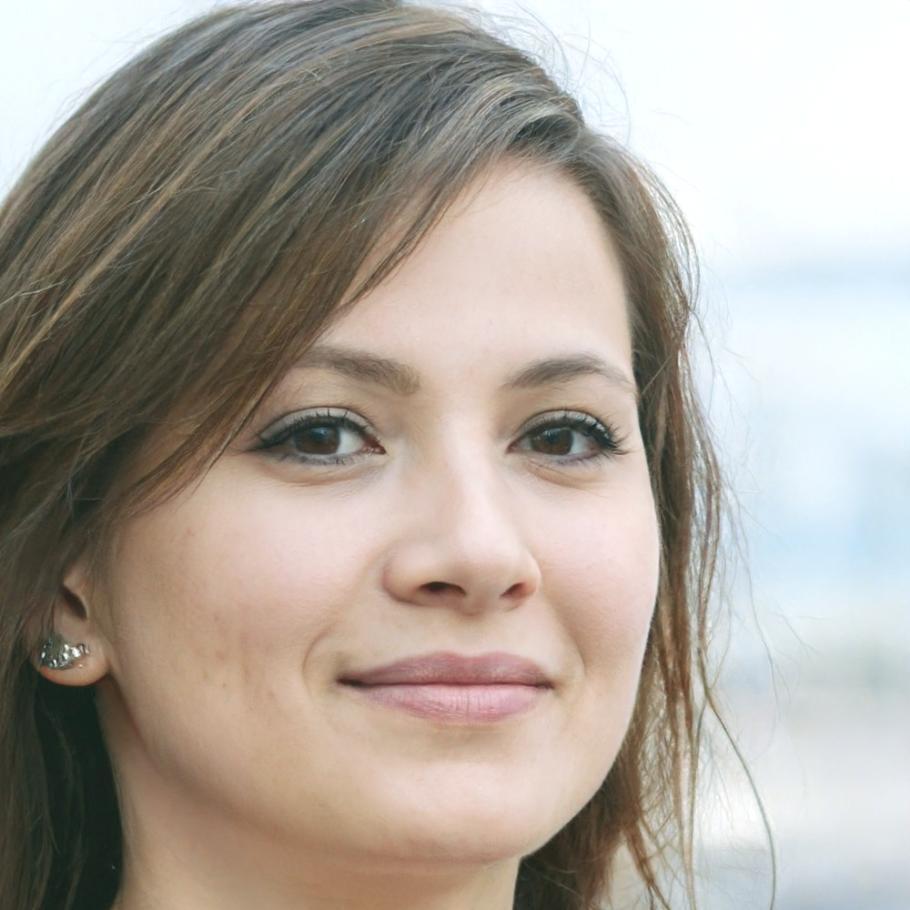
Alina Bergqvist
Editorial & AssemblyEdits documentary and corporate content with emphasis on story structure and pacing. She handles projects where the narrative emerges during editing rather than from a predetermined script.
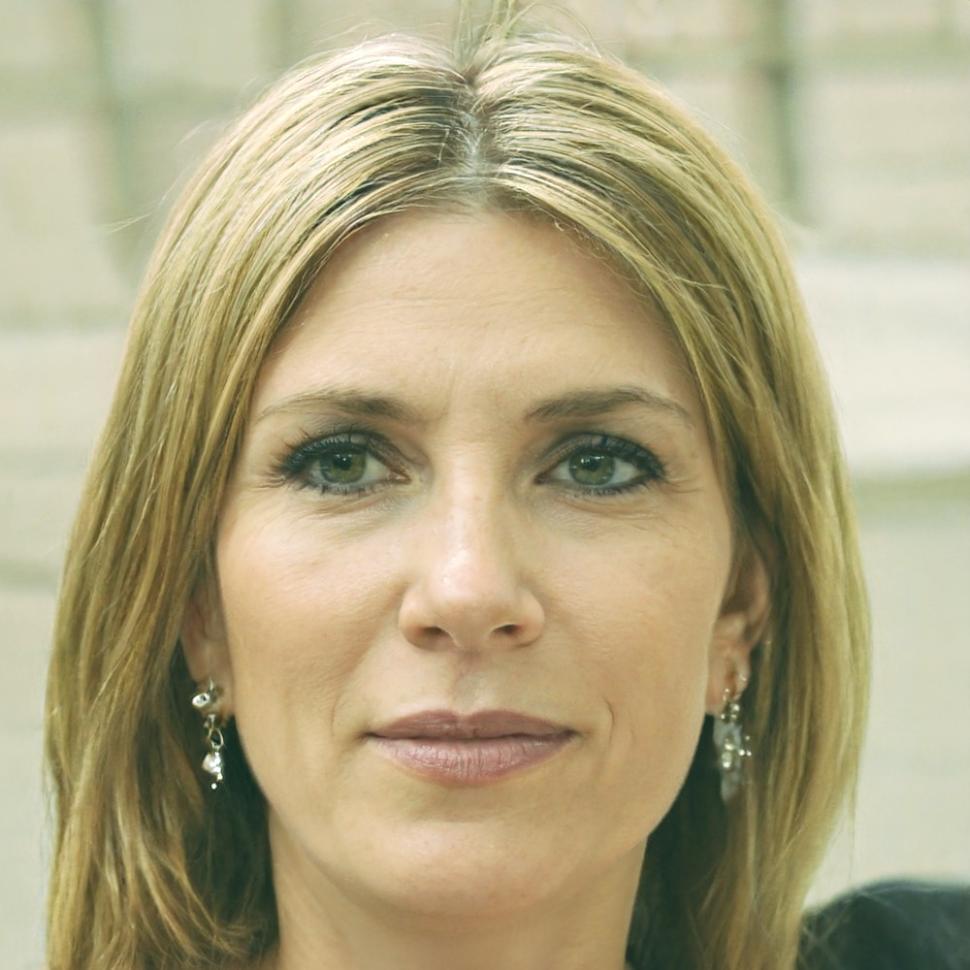
Saskia Huisman
Motion & EffectsCreates animated graphics and visual effects for digital platforms. Her work combines After Effects compositing with practical editing techniques for content that needs motion graphics integration.